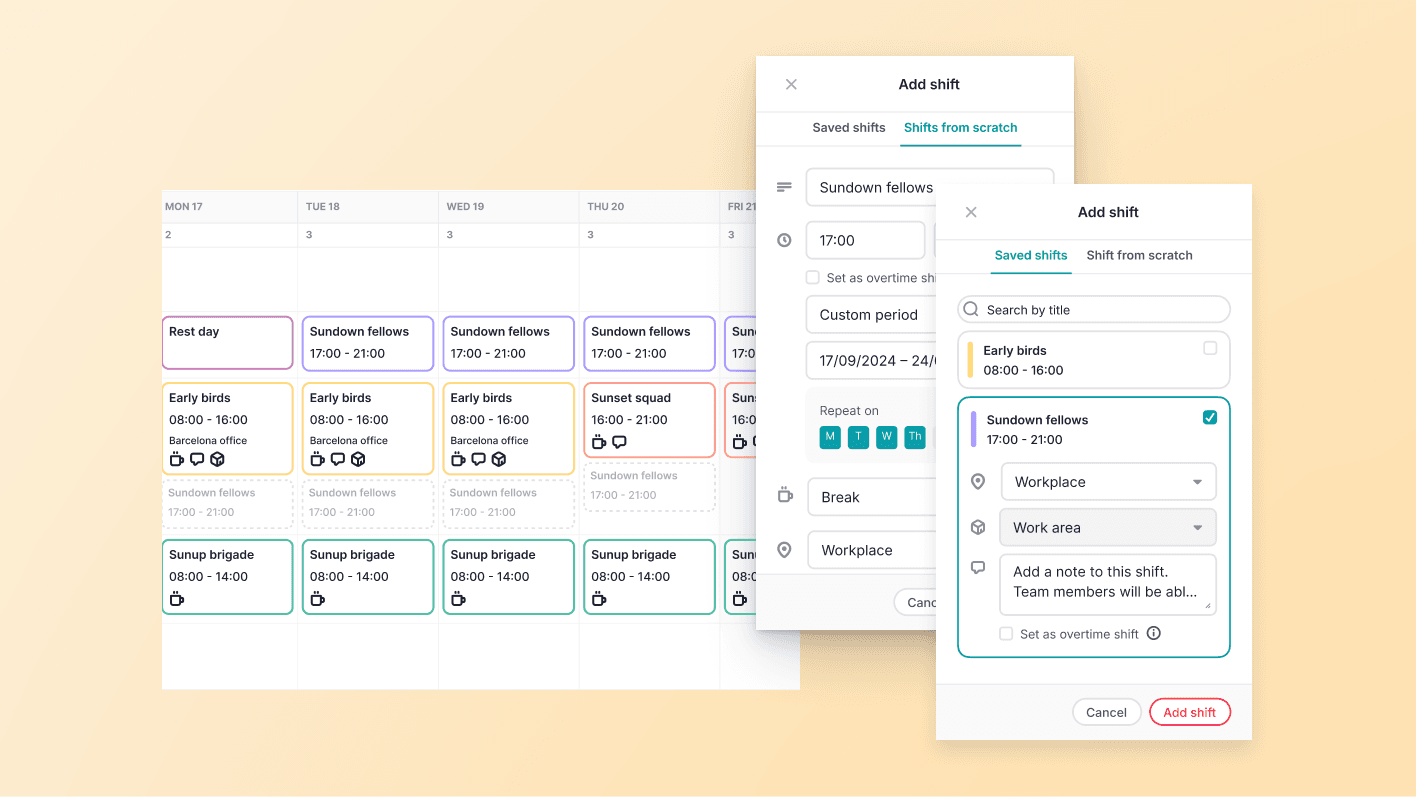
Twórz grafiki szybciej dzięki skrótom klawiaturowym
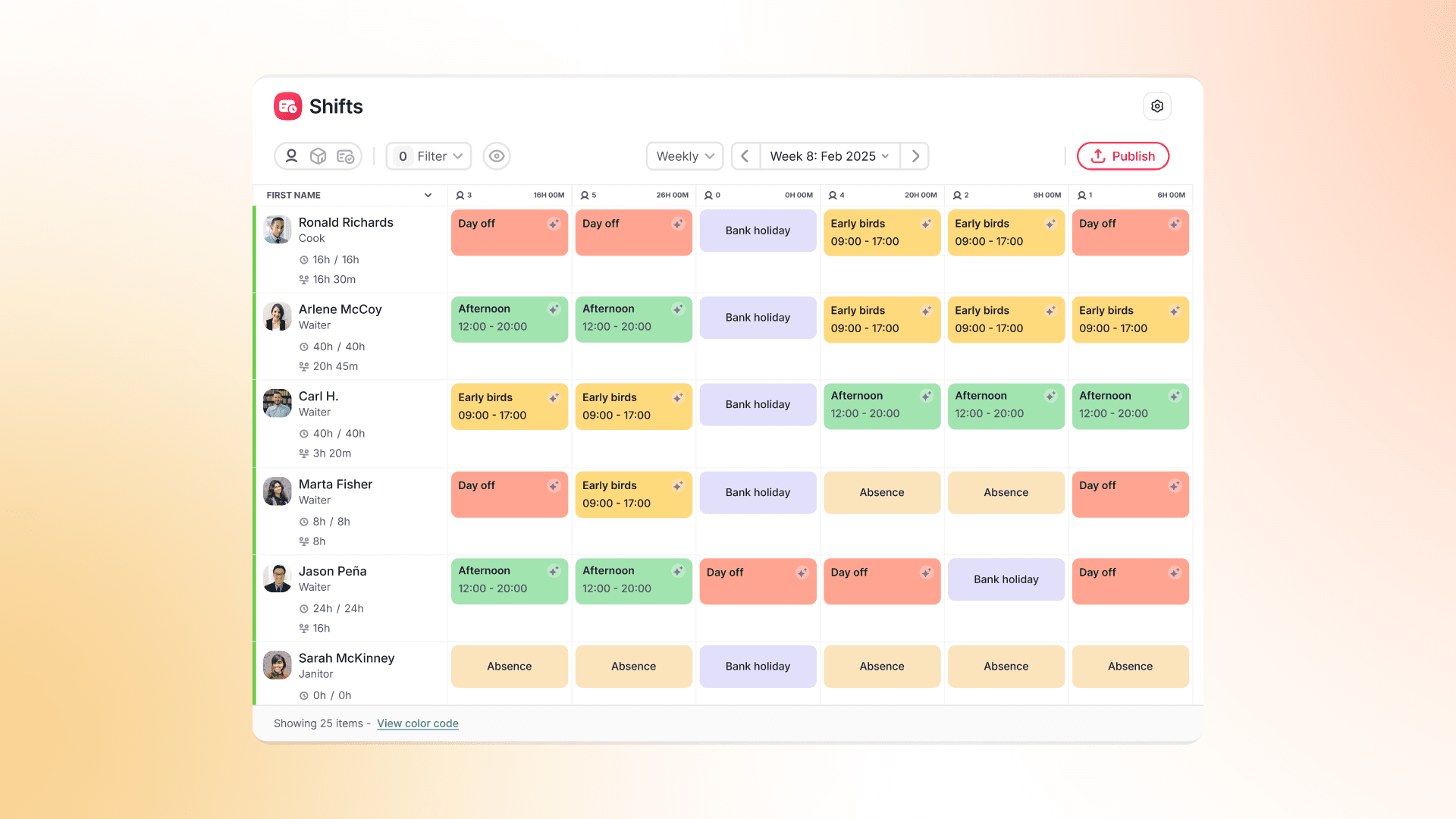
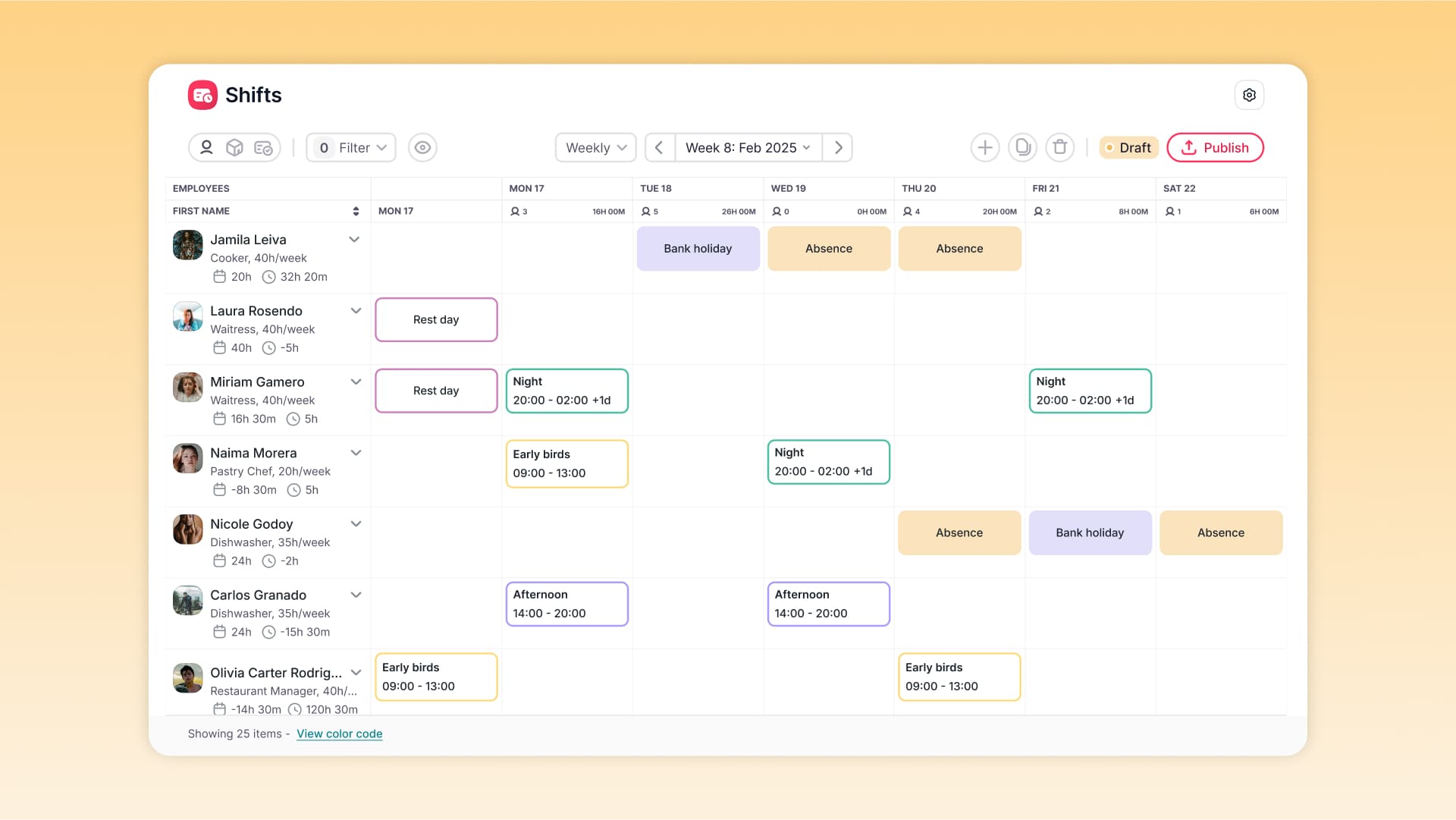
Shift Planning działa teraz jak arkusz kalkulacyjny. Zaznaczaj zakresy, kopiuj, wycinaj, wklejaj i usuwaj zmiany za pomocą skrótów klawiaturowych.
Tworzenie grafików nie musi już oznaczać edytowania każdej komórki osobno.
- Wygodne zaznaczanie – korzystaj z Shift, klawiszy strzałek oraz Ctrl/Cmd, aby zaznaczać pojedyncze komórki lub całe zakresy.
- Szybka edycja – używaj standardowych skrótów Ctrl/Cmd + X, C i V do kopiowania oraz przenoszenia zmian i dni wolnych.
- Menu podręczne – kliknij prawym przyciskiem myszy, aby szybko dodawać, kopiować, wklejać lub usuwać wpisy.
Planowanie grafików jest teraz znacznie szybsze i wygodniejsze – bez konieczności eksportowania danych do Excela.