Konfiguruj zasady zaokrąglania czasu pracy
Dostosuj sposób zaokrąglania dziennego czasu pracy do zasad obowiązujących w Twojej firmie. Ustaw osobne reguły dla nadgodzin i niedogodzin oraz zachowaj pełną przejrzystość zmian.
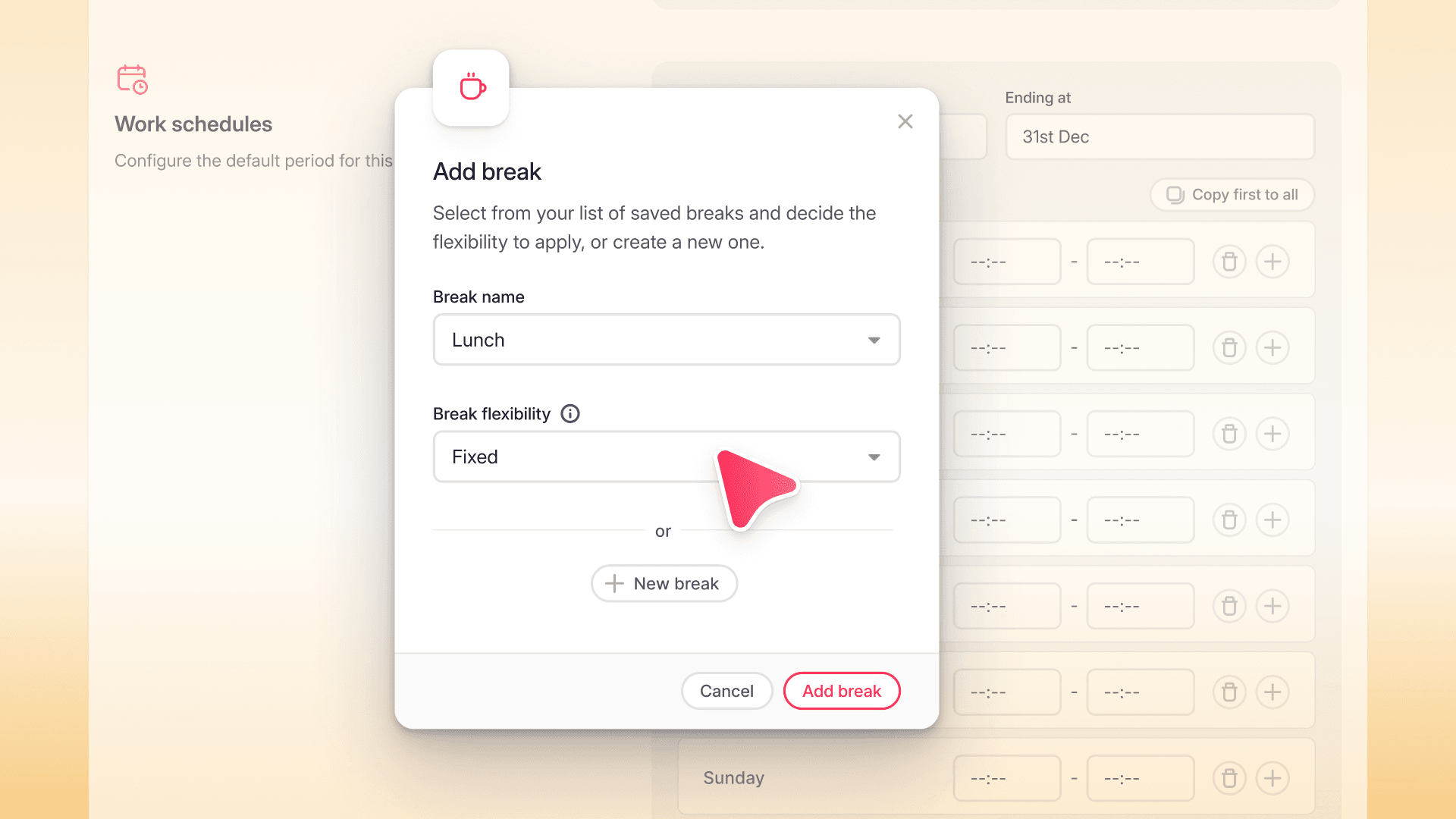
Od teraz możesz skonfigurować zasady bezpośrednio w Polityce rejestracji czasu pracy.
- Określ interwał zaokrąglania zgodny z polityką firmy.
- Ustaw osobne reguły dla nadgodzin i niedogodzin.
- Wybierz sposób zaokrąglania – w górę, w dół, do najbliższej wartości lub zgodnie z harmonogramem.
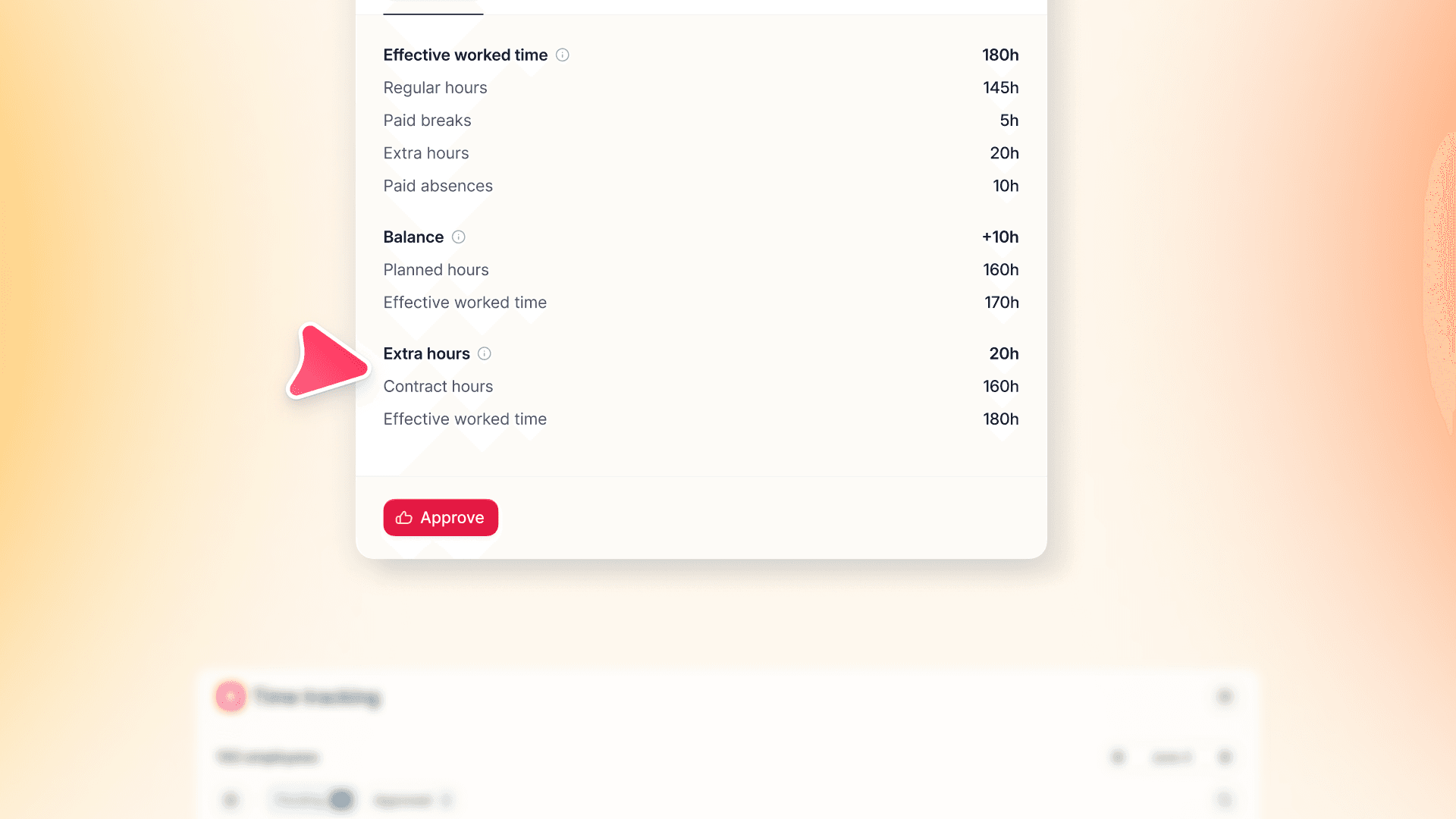
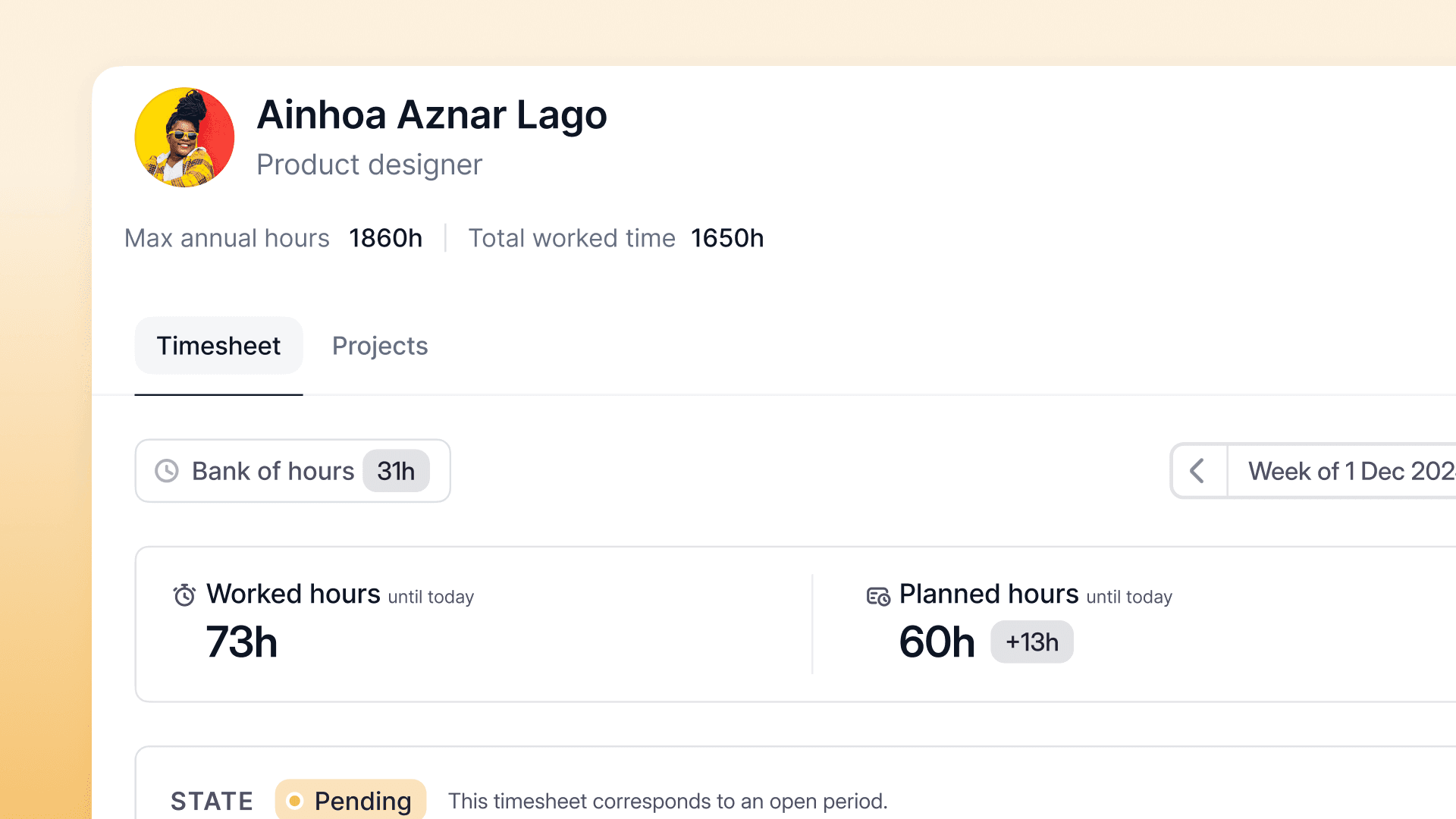
- Porównuj wartości – karty czasu pracy pokazują zarówno rzeczywiście zarejestrowany czas, jak i czas po zastosowaniu zasad zaokrąglania.
Dotychczasowe ustawienia zostaną przeniesione automatycznie, bez konieczności ponownej konfiguracji.