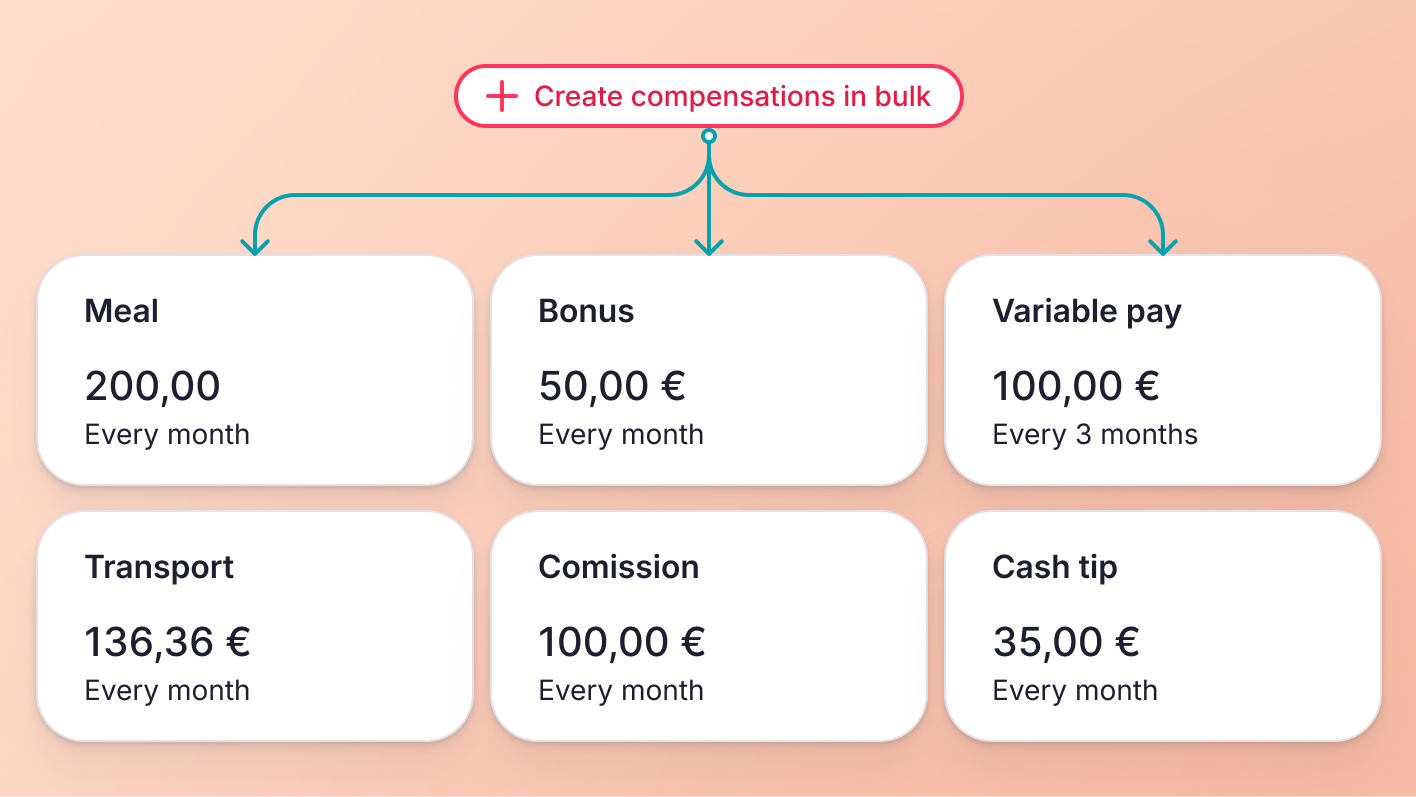
Create additional compensation in bulk
Until now, providing the same additional compensation (e.g. meal vouchers or transportation allowances) to all employees required manually entering details for each person, which was time-consuming.
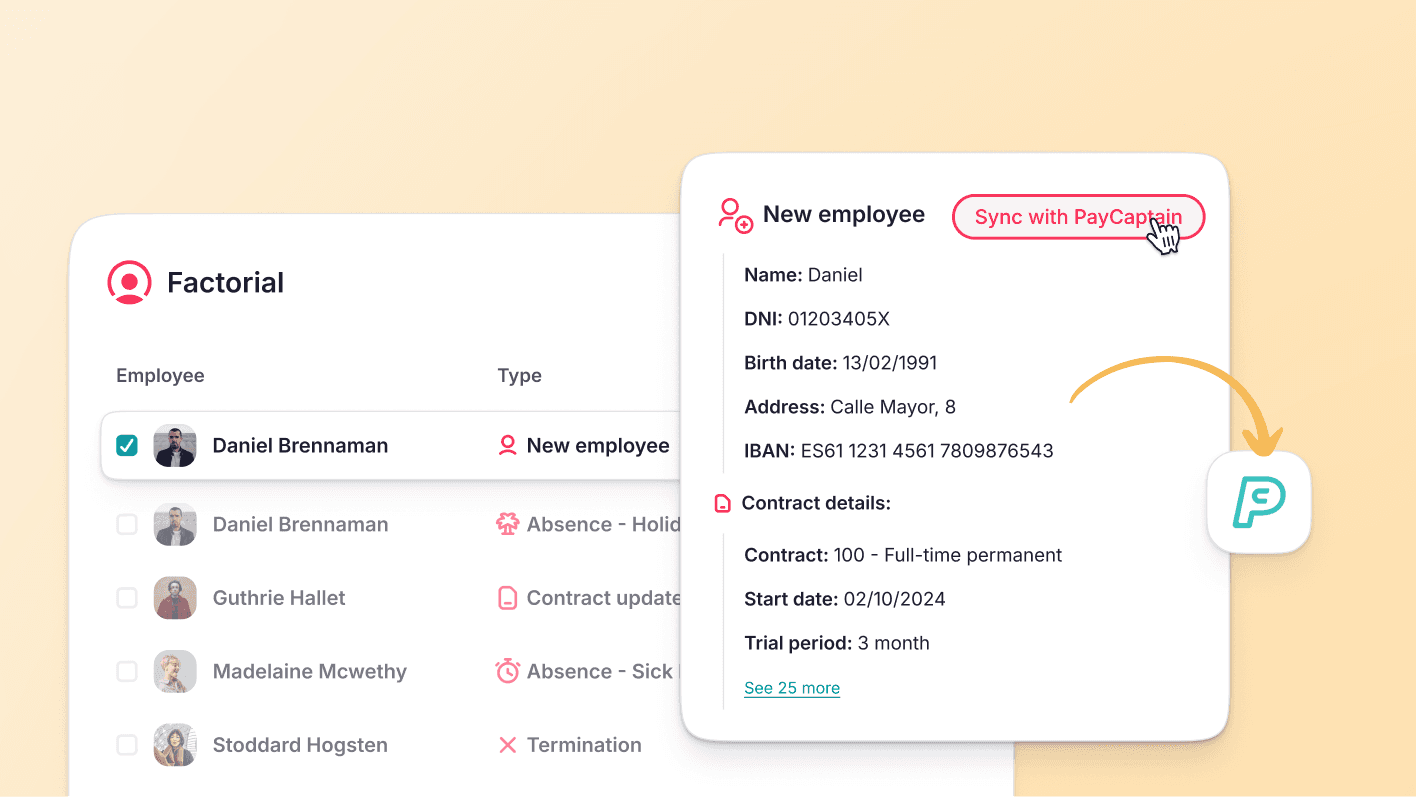
1. Select employees: users with the necessary permissions can select employees from the employee tab and choose a new bulk action to fix agreement conditions.
2. Decide to keep existing compensations or remove them: users have the freedom to choose whether to retain existing additional compensations or remove them entirely.
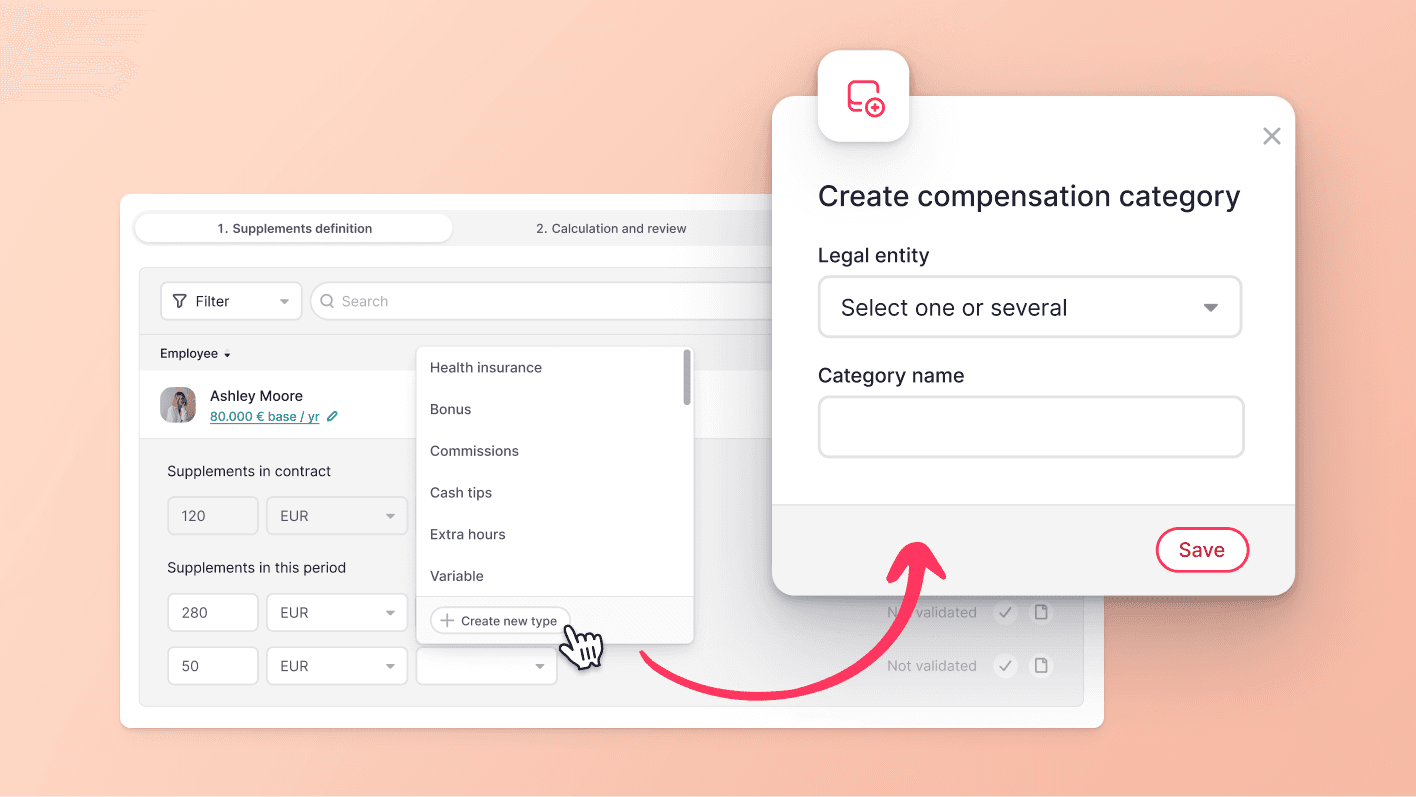
3. Add additional compensation: users can add or remove any specific compensations as needed. These adjustments will be applied uniformly to all eligible employees within the selected group. Created compensations can also be removed.